DevOps Certification Training (Including Docker and Kubernetes)
Gain hands-on experience in continuous development and deployment, automation of configuration management, scaling your application to millions of users using DevOps tools and cloud services like Linux, Git, Docker, Travis CI, Kubernetes, Ansible, Terraform, Jenkins, Prometheus, Grafana, AWS Elastic Beanstalk and GKE (Google Kubernetes Engine)
This DevOps certification training is designed by industry experts having years of experience(Amazon, Google, Cisco, Byjus) in building and scaling production applications to millions of users across the world.
The course will be completely hands-on and we will make sure to deliver best-in-class learning experience and provide you the enough nudges to start your career in DevOps and at the same time start preparing for various certifications like DCA(Docker Certified Associate) and CKAD(Certified Kubernetes Application Developer)
Program Highlights
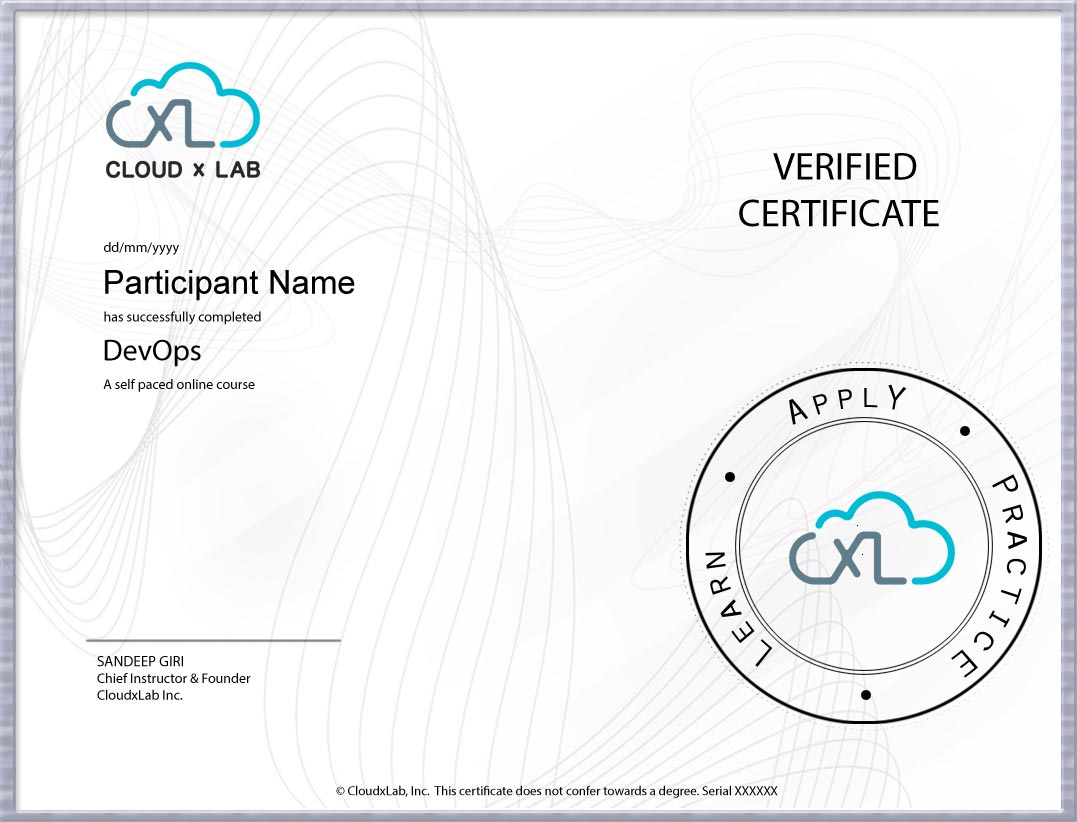
Certificate of Completion by CloudxLab
60+ Hours of Self-Paced Learning
Work on about 6+ projects to get hands-on experience
CloudxLab is a team of developers, engineers, and educators passionate about building innovative products to make learning fun, engaging, and for life. We are a highly motivated team who build fresh and lasting learning experiences for our users. Powered by our innovation processes, we provide a gamified environment where learning is fun and constructive. From creative design to intuitive apps we create a seamless learning experience for our users. We upskill engineers in deep tech - make them employable & future-ready.
Project 1. Deploying Single Container Static App with Docker & Travis CI on AWS Elastic Beanstalk
Project 2. Deploying Multi Container Flask App with Docker & Travis CI on AWS Elastic Beanstalk
Project 3. Deploying Single Container Flask app with Docker, Travis CI, AWS RDS & AWS ElastiCache on AWS Elastic Beanstalk
Project 4. Testing Single Container Static App Locally on Minikube
Project 5. Deploying Single Container Static App on Google Kubernetes Engine
Project 6. Automating Deployment of Single Container Static App on Google Kubernetes Engine with Docker & Travis CI
Project 7. Deploying Multi-Container App on Minikube and GKE
Enroll Now
Prerequisites
Basic knowledge of any programming language and Linux will help you in understanding the concepts faster. We will provide access to our self-paced courses on Python and Linux once you sign up for this course.
Note: In case of a coupon code, discounts will be applicable only on the first EMI
Unable to find something that fits your budget? Explore our subscription plans for self-paced courses here
“Sessions were great, pace was also very good. Each of the steps were explained well multiple times to ensure everyone understands the concepts. Thanks Sandeep!”
Nitin Nigam
“Thanks a lot,it was great course! I'm happy that you lead in this path to AI/ML/DL.I hope to continue to collaborate with you in future.”
Domenico Flioravanti
“Thank you so much Sandeep for all your great sessions. It will help in our career a lot. Your session is very much explanatory and understandable. Kudos to you.Thanks for all your hard work and time. Definitely, we will recommend all our friends and colleagues to attend your different course.Thanks a ton”
Hemanta Lenka
“I have been using CloudxLab for a while now, and they are amazing! The best part about using CloudxLab is that you do not need to wait for someone to tell you whether what you did was right or not, it is done automatically on the go. The training materials are of top notch quality. If you get stuck, they have a huge community of trainers and learners to help you out with all your doubts. They have a course structure for everyone, whether you are new to programming or are a seasoned programmer, they have something to offer you. And they are affordable too! I would recommend CloudxLab all the time.”
Rajtilak Bhattacharjee
“This course is suitable for everyone. Me being a product manager had not done hands-on coding since quite some time. Python was completely new to me. However, Sandeep Giri gave us a crash course to Python and then introduced us to Machine Learning. Also, the CloudxLab’s environment was very useful to just log in and start practising coding and playing with things learnt. A good mix of theory and practical exercises and specifically the sequence of starting straight away with a project and then going deeper was a very good way of teaching. I would recommend this course to all.”
Kamal Upadhyay
“It has been a wonderful learning experience with CXL. This is one of the courses that will probably stay with me for a significant amount of time. The platform provides a unique opportunity to try hands-on simultaneously with the coursework in an almost real-life coding example. Besides, learning to use algebra, tech system and Git is a good refresher for anyone planning to start or stay in technology. The course covers the depth and breadth of ML topics. I specifically like the MNIST example and the depth to which it goes in explaining each and every line of code. Would definitely recommend the instructor-led course.”
Pratik Sonthalia
“This is one of the best-designed course, very informative and well paced. The killer feature of machine/deep learning coursed from CloudxLab is the live session with access to labs for hands-on practices! With that, it becomes easy following any discourse, even if one misses the live sessions(Read that as me!). Sandeep(course instructor) has loads of patience and his way of explaining things are just remarkable. I might have better comments to add here, once I learn more! Great Jobs guys!”
Dhyan Prem
Senior Software Developer at Decision Resources Group
The instructor will show how to use and deploy these services on AWS and GCP. You will have to use your own AWS or GCP account and pay for these services. The instructor will demonstrate how can you minimize the billing on your AWS and GCP accounts.
Also for the tools which can be demoed on CloudxLab, you can use your lab account for the same. With the course, you will get 90 days of lab access.
Yes, It is an online instructor-led course. After making the payment, you will get enrolled in this course. We will send you a classroom link before two days of first-lecture through email.
Yes, every learner can directly ask their questions and discuss his/her query during any of the class lectures. You can also post your query on our discussion forum.